AI video editing software: Kurisu
Software features: AI video editing
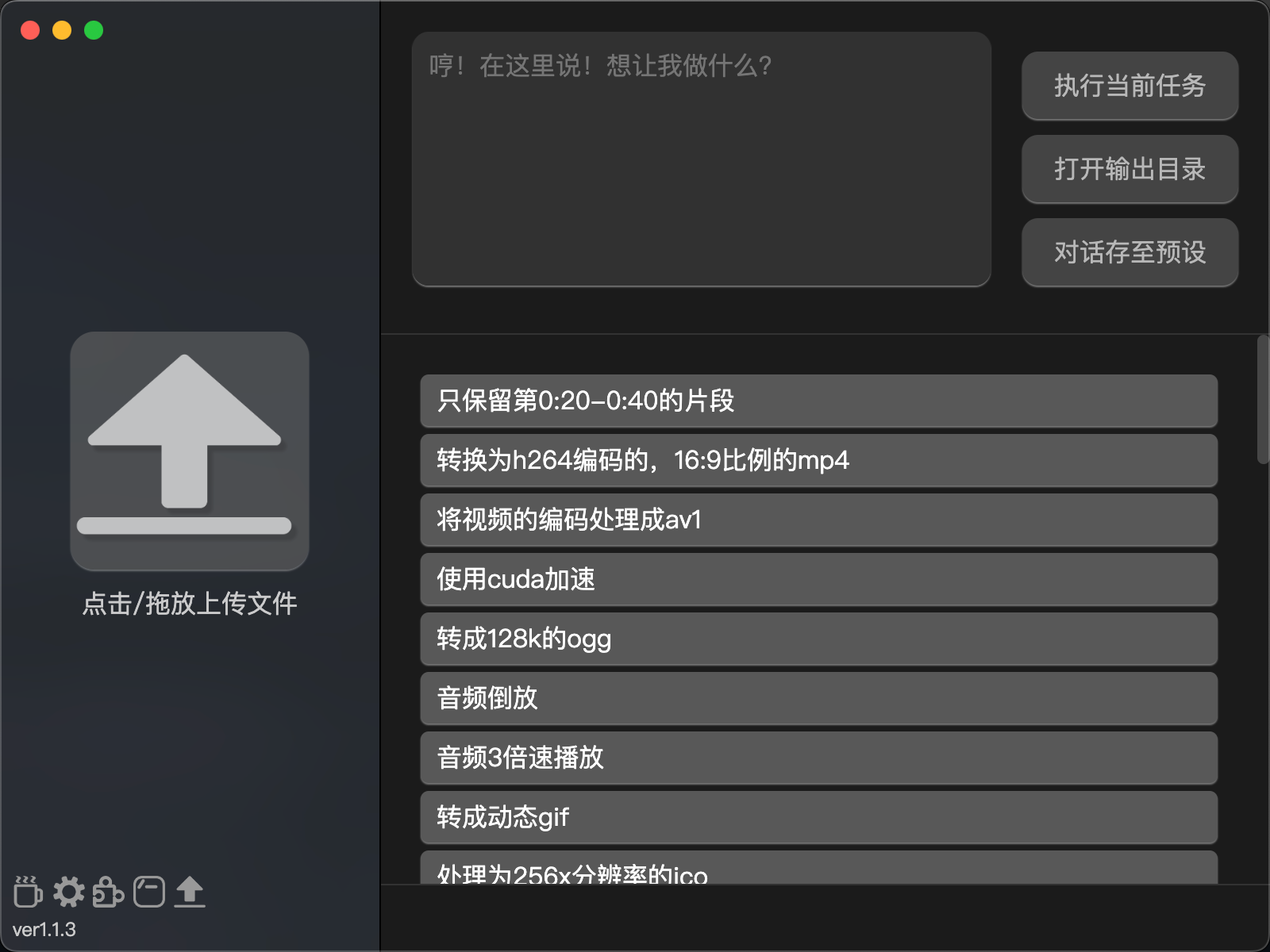
A program that converts file formats based on verbal descriptions.
Literally, it means dictation.
For example, you drag or upload a copy of mp4, and then you simply describe in the input box what you want to do. For example,”convert to webm”,”keep only the content between the 10th and 20th seconds of the video”,”extract audio files” and “play the video backwards”. Then click the buttons and wait for the progress bar to complete. It uses the docking of ChatGPT and FFmpeg. Please try more.
Support platform:
Windows 、macOS、Linux
Software introduction:
A program that converts file formats through verbal descriptions. Users only need to upload the file and describe the action they want to do through the input box, such as “convert to webm format”,”preserve the 10th to 20th second content of the video”,”extract audio files” or “rewind the video”, and then click the button and wait for the progress bar to complete.
The program integrates ChatGPT and FFmpeg and supports multiple languages, including Simplified Chinese, Traditional Chinese, Japanese, Korean, English and Russian.
If you want to compile or modify the project yourself, please check package.json and pull the required libraries with npm install after pulling the project.
macOS users should note that running the program directly will prompt you that it is damaged. Please enter the running path of sudo xattr-dr com.apple.quarantine program.app on the terminal (you can drag and drop it from Kendra), and enter the password and it will open normally.
If you want to learn more, you can click on the link below the video.
Thank you for watching this video. If you like it, please subscribe and like it. thank
GitHub:https://github.com/MCDFsteve/Kurisu/
Software Download:https://github.com/MCDFsteve/Kurisu/releases
Oil tubing: