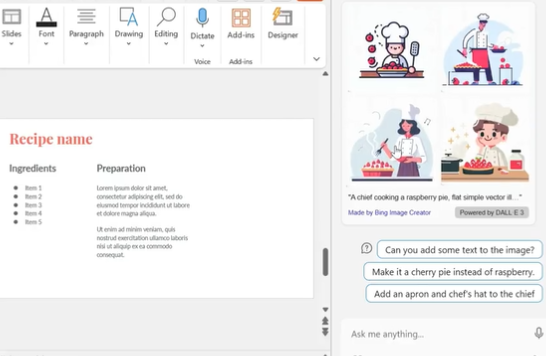
You can generate and import vector images into PowerPoint (or Word) in just 2 clicks.
Open Windows Copilot and write the following prompt to generate an image:
For example: “Create an image: a chief cooking a raspberry pie, flat simple vector illustrations style, vibrant colors, white background”
Then click on the image you like to display it in full quality.
Simply copy and paste it into your presentation.
It only takes a few seconds, and you don’t even need to search on the internet.
From:@itsPaulAi