1. Advantages of CIMB online account opening
- Convenient and efficient: No need to go to a bank branch in person, saving time and energy.
- 24/7 service: 24/7 online service, apply for an account anytime and anywhere.
- Diversified account options: CIMB provides multiple account types to meet the needs of different customers.
- Safe and reliable: Adopt advanced encryption technology to ensure the security of your personal information and funds.
2. Preparations for CIMB’s online account opening
- Valid ID: Singapore citizens need to provide NRIC, foreigners need to provide passports.
- Contact information: Including mobile phone number and email address.
- Tax information: such as Singapore tax resident identification certificate (if any).
- Proof of address: such as utility bills or bank statements, you need to show your name and address.
- Proof of income: such as payroll or tax slip (depending on account type).
3. Detailed steps for CIMB online account opening
-
Step 1: Visit the CIMB official website
First, open your browser and visit the official website of CIMB Bank Singapore -
Step 2: Select an account type
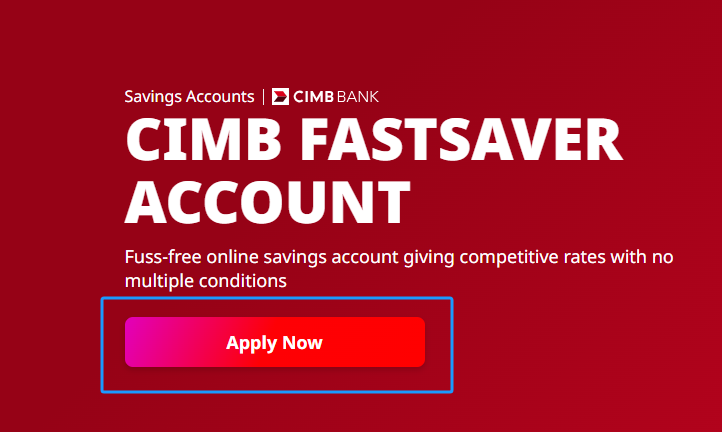
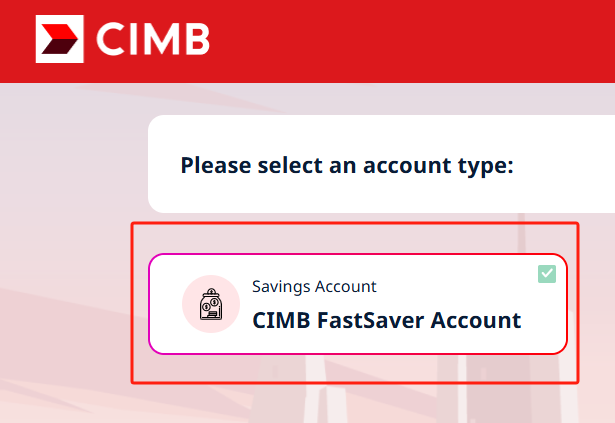
On the home page, find and click the “Open an Account” or “Open an Account” option. CIMB offers multiple account types, including savings accounts, checking accounts, and investment accounts. Choose the right account type based on your needs.
-
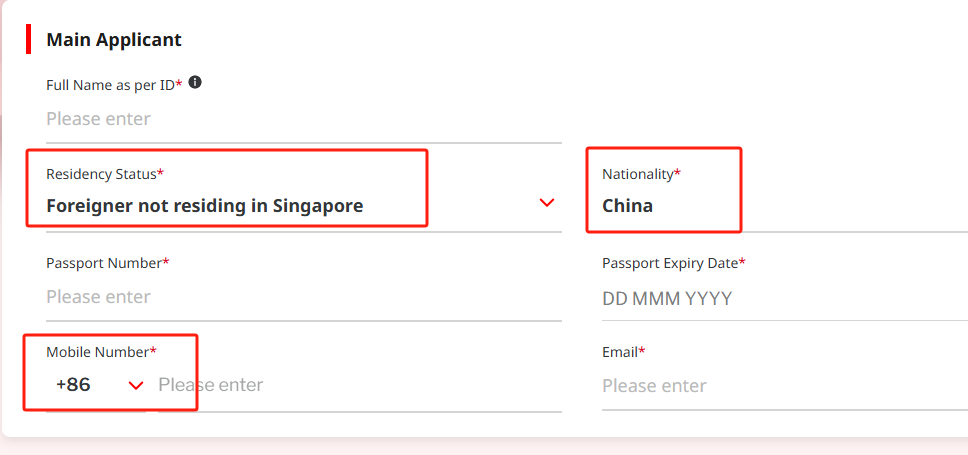
Step 3: Fill out the online application form
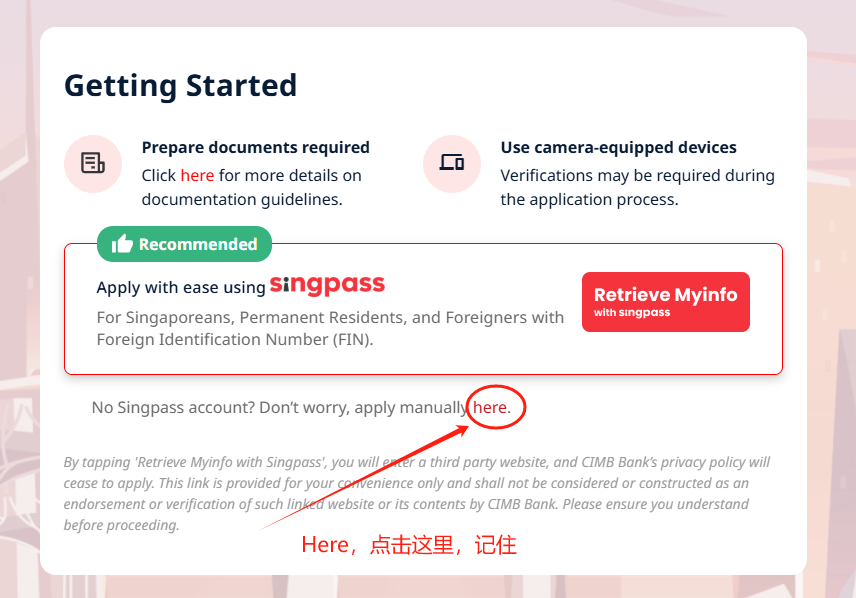
After clicking on the selected account type, the system will guide you to the online application form page. Please follow the prompts to fill in personal information, including name, ID number, contact information, address, etc. Ensure that the information you fill in is accurate.
-
Step 4: Upload the required files
After filling in the basic information, the system will ask you to upload relevant supporting documents. Please prepare your ID, proof of address and proof of income (if any), and upload clear scans or photos as required.
-
Step 5: Authentication
To ensure account security, CIMB will require you to verify your identity. You may need to receive the Captcha via mobile phone text message or email and enter it into a specified location. In some cases, CIMB may require you to perform video verification to confirm your identity.
-
Step 6: Set online banking login information
After you pass the authentication, you need to set your login information for online banking, including your username and password. Please ensure that your password is strong enough and keep your login information safe.
-
Step 7: Confirm and submit application
After completing all steps, carefully check the information filled in and uploaded documents, and submit the application after confirming that there is no error. CIMB will review the application after receiving it, which usually takes 1-3 working days.
-
Step 8: Wait for the review results
CIMB will notify you of the results of your account opening by email or SMS after the review. If approved, you will receive account details including account number and online banking login instructions.
4. Account activation
Remote video witness account opening activation process:
- Submit materials: Prepare and submit relevant materials required by the bank.
- Account reviewed by the bank: The bank will issue the account after passing the review.
- Transfer activation money: Transfer activation money of more than SGD 1000 to the account (transfer after opening the account).
- Obtain online banking login information: After receiving the activation payment, the bank will provide online banking login information.
- Supplementary video witness: Complete the video witness process to confirm that it was the person who operated it.
Opening an account in person at the Singapore counter and activation process:
After completing the account opening procedures at the counter, account activation can usually be completed by depositing a certain amount of activation money according to the instructions of the bank staff. After that, some subsequent authentication steps may also need to be carried out, such as setting online banking login information.
5. Personal customer KYC preparation
- Identification: Provide the original and copy of your ID card and passport.
- Address proof: such as utility bills, bank statements, etc., require to show the customer’s name and residential address, and it is a recent document (usually within 3 – 6 months).
- Other information: You may need to fill out a KYC information form, including personal occupation, source of income, use of funds and other relevant information.
6. Some points that need to be paid attention to when Chinese people open accounts remotely
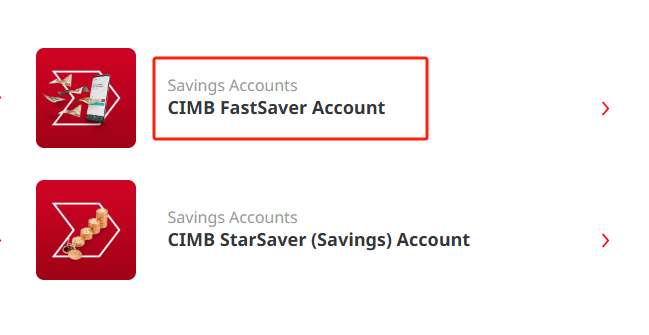
Official website: https://www.cimb.com.sg/, swipe down, see this, and select “FastSaver”