Microsoft officially launched Microsoft Designer, an innovative design application that uses artificial intelligence technology to give users new creative and editing capabilities. Microsoft Designer is now widely available and can be accessed by personal Microsoft account users through the web, Windows apps, and mobile apps (iOS and Android).
Microsoft Designer integrates seamlessly with Microsoft products, including Word and PowerPoint, further enhancing the creative experience through Microsoft Copilot. By subscribing to Copilot Pro, you can create images and designs directly in your workflow while you are in Word and PowerPoint. In Word or PowerPoint, click the Copy icon and describe the image you want to create. In the upcoming version of Word, you can even request to create a document banner and generate a design for you based on the document content.
Users can create images and designs directly in the workflow, ensuring inspiration is not interrupted. In addition, Designer also supports Microsoft Photos, allowing users to edit and beautify photos without leaving the app.
Enter the content to convert here, the AI image generation platform Microsoft Designer was first released in 2022, and has recently been officially launched and open to all users with Microsoft accounts. Microsoft has launched Windows, iOS and Android versions in one go, as well as a web version. Users can use AI image generation services on different platforms.
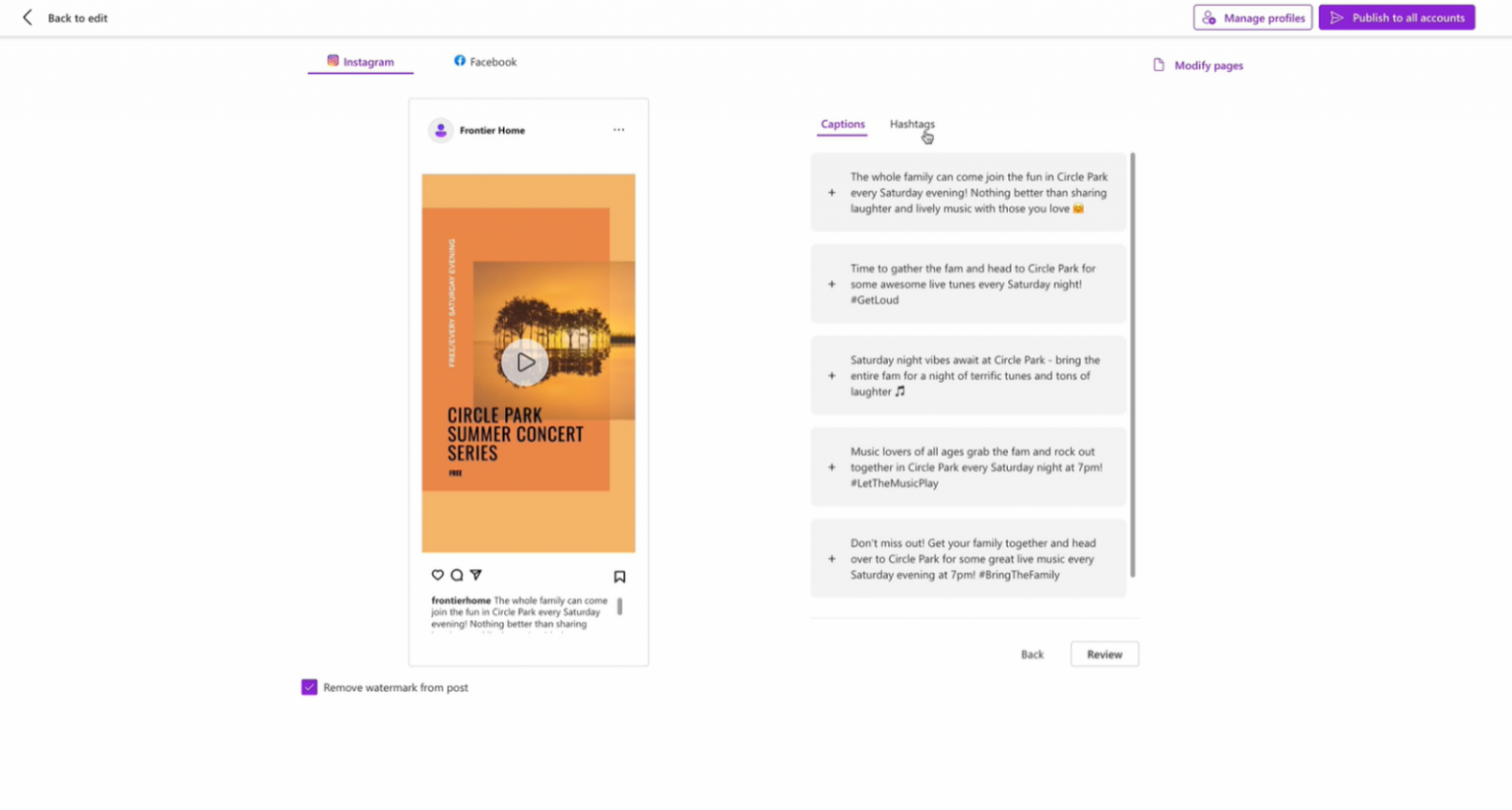
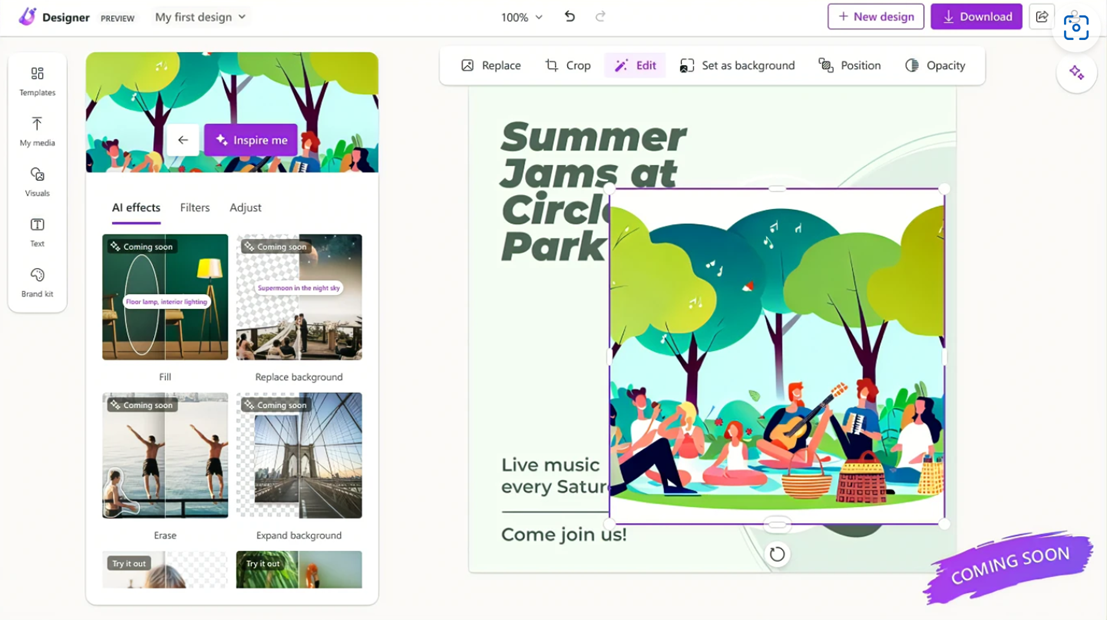
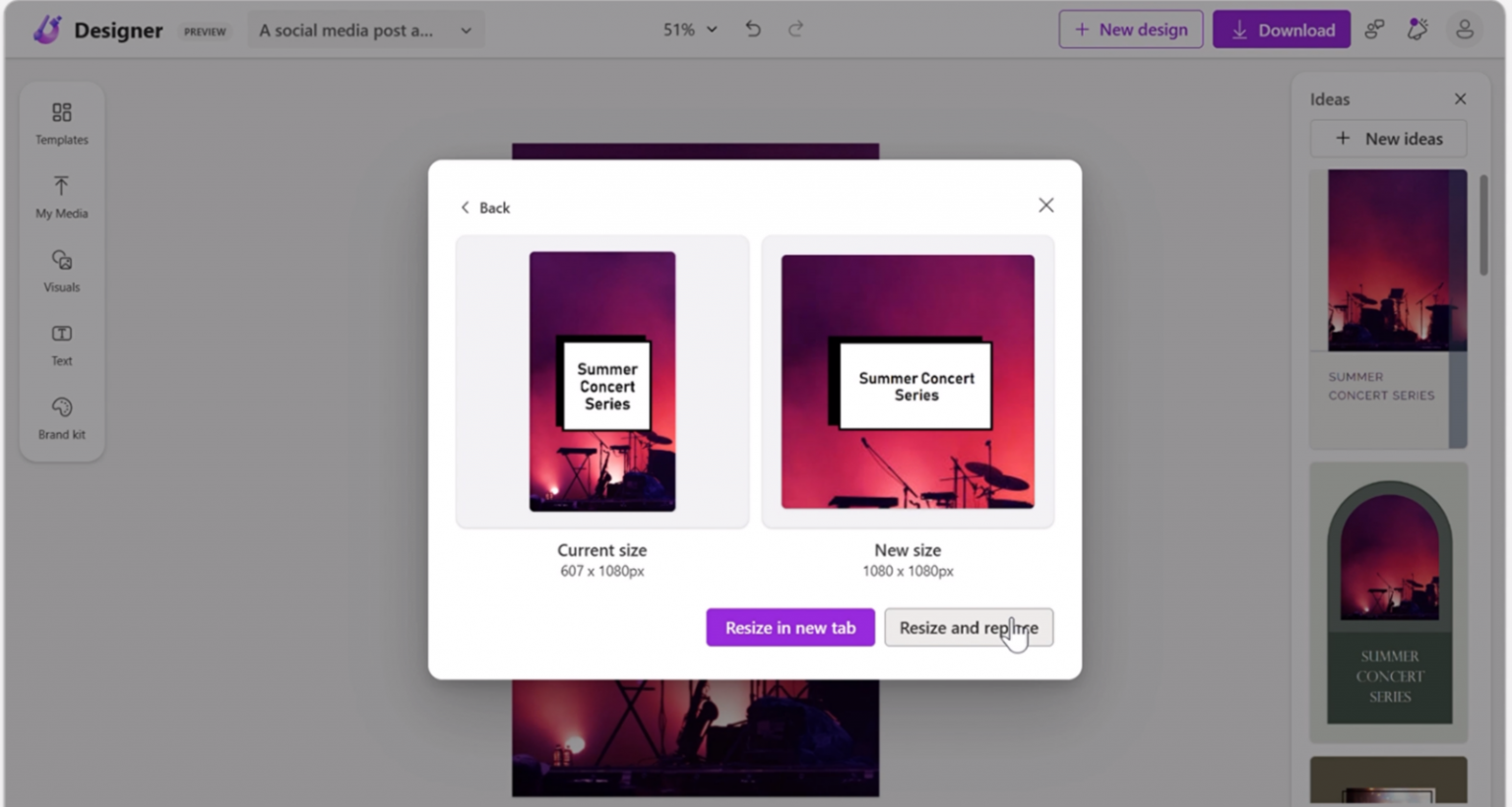
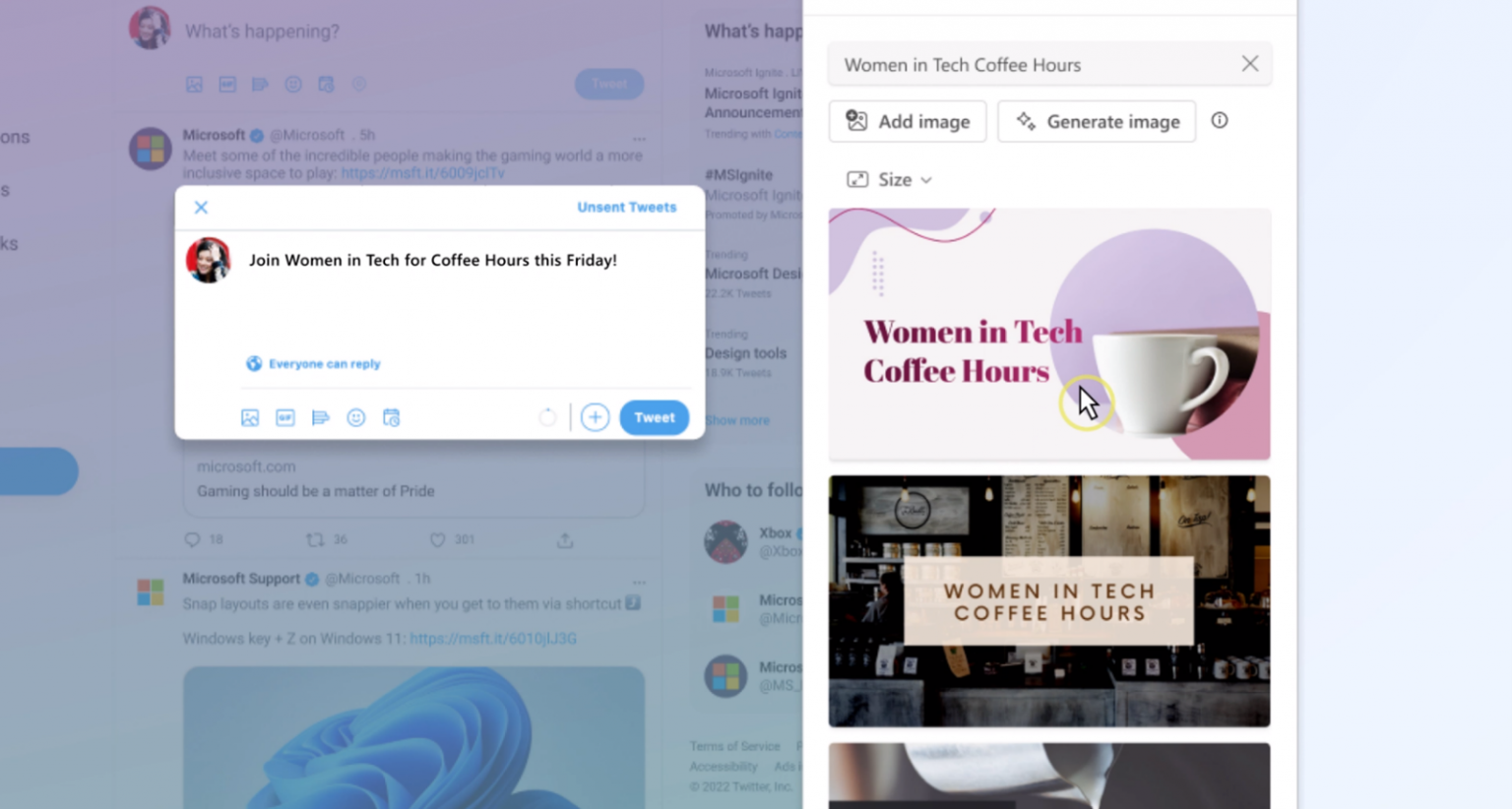
Microsoft Designer allows users to create images from scratch, and can also edit and adjust uploaded images. The platform provides a variety of preset designs to assist in making greeting cards, mobile phone desktop backgrounds or personal avatars; experienced users can create from scratch and even develop templates based on their own works. As a member of Microsoft products, Designer is also integrated with the company’s other services. Through the Copilot AI chat robot, images created in Designer can be exported to Word and PowerPoint files. It is also testing the integration of Designer services into Microsoft Photos and Edge browsers.
Microsoft Designer’s AI tools are very powerful. For example, users can upload selfies and use AI to redesign them, or use the change background feature to remove objects or characters in the background. The Microsoft Designer program supports more than 80 languages and includes default designs to stimulate user creativity. Users can also customize their own styles and descriptions, and even share and collaborate with friends.
If you want to learn more, you can click on the link below the video.
Thank you for watching this video. If you like it, please subscribe and like it. thank
Microsoft official website:https://news.microsoft.com/zh-tw/features/microsoft-designer/
Oil tubing: