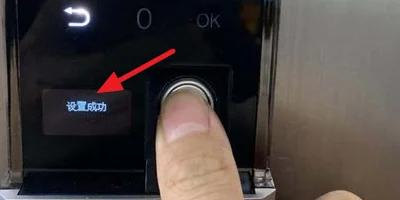
1. How to set the fingerprint:
1. First, press the back icon button on the screen.
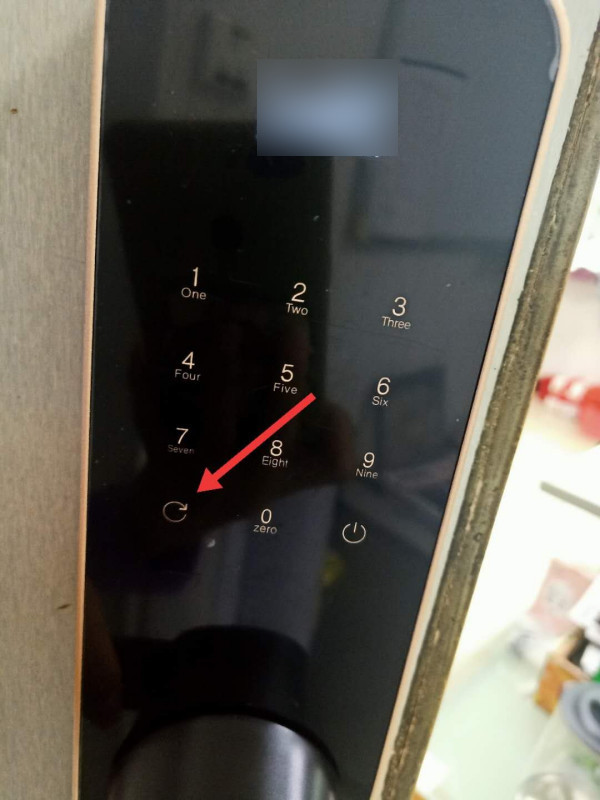
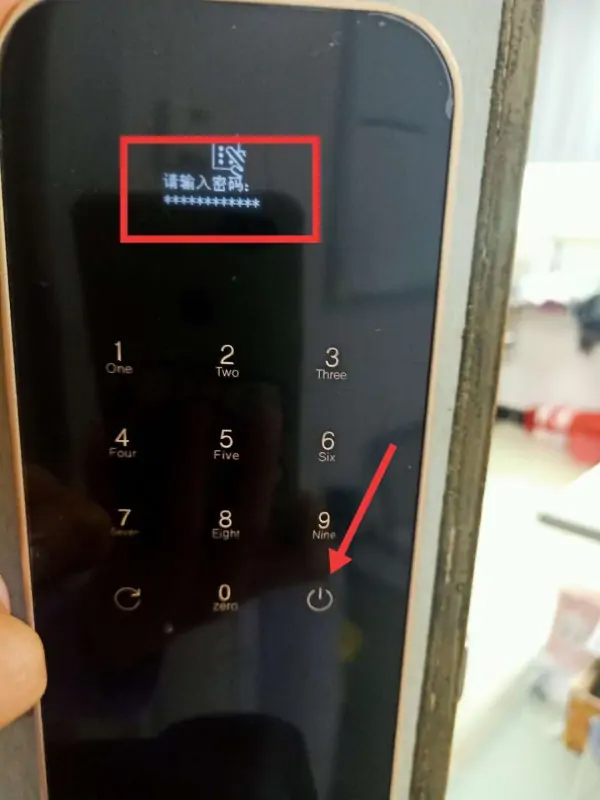
2. Then, you will be prompted to enter the administrator password, and after entering the administrator password, press the OK button pointed to by the arrow in the lower right corner.
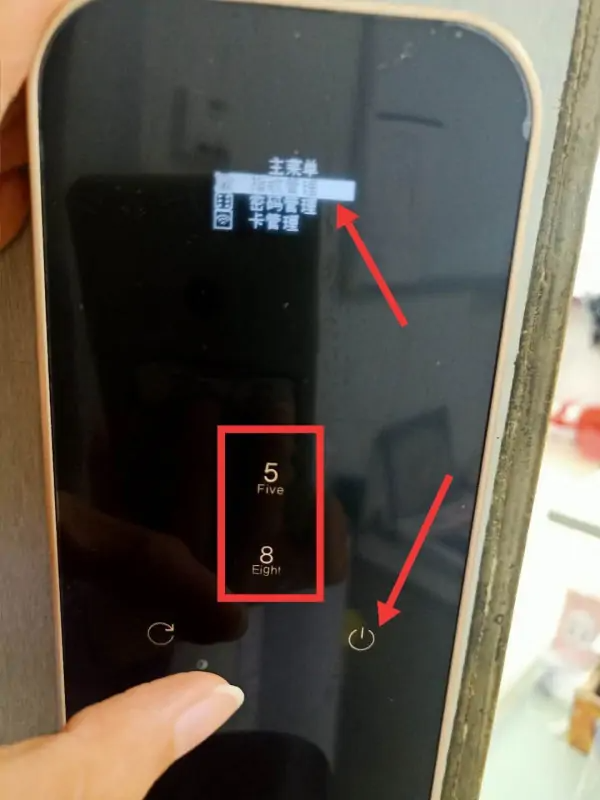
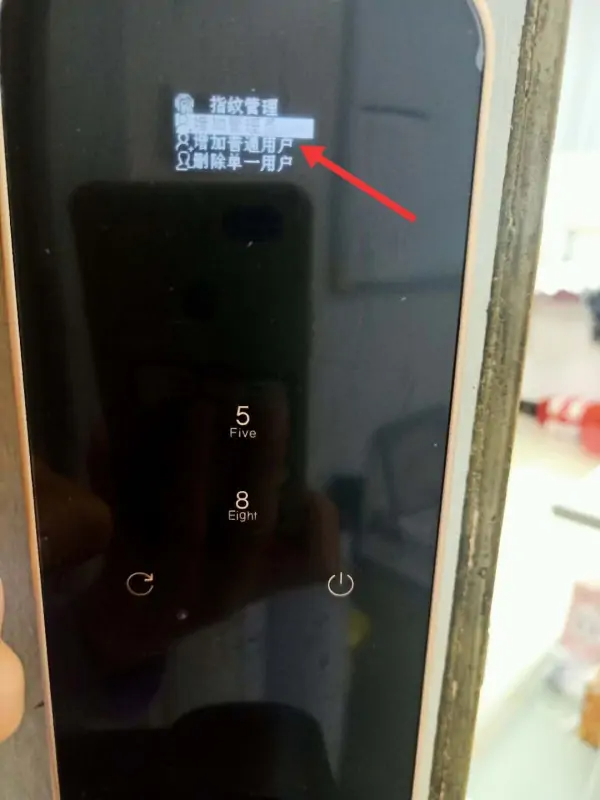
3. Next, press 8 and 5 to flip up and down, select fingerprint management, and then press the OK button in the lower right corner.
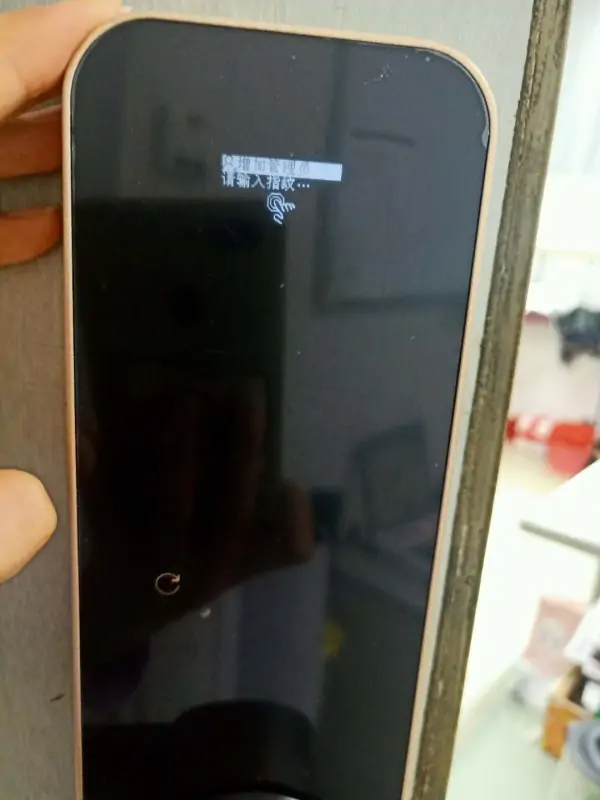
4. Then, select Enter Normal Fingerprint User or Administrator User.
5. Finally, just enter your fingerprint.
2. How to set the password:
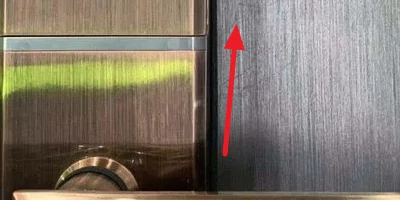
1. First, open the sliding cover of the smart fingerprint door lock upwards and activate the password entry area.
2. Secondly, enter the “Back” key + “OK” key in the lower left corner to enter the administrator mode. Basically, the settings on the door lock are set in this administrator mode.
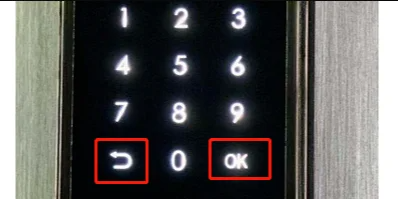
3. After entering administrator mode, you will be prompted to enter your administrator password. The initial password is 123456.
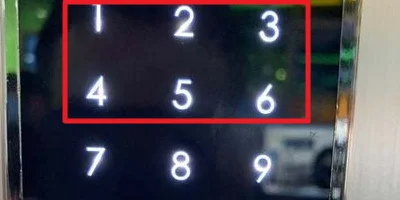
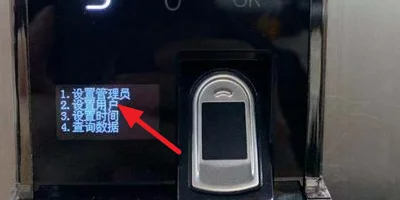
4 . After entering the password, see four options, select the “2” option to set the user.
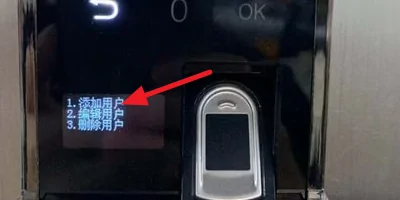
5. Next, you will see three options, here select the number “1” to add the user.
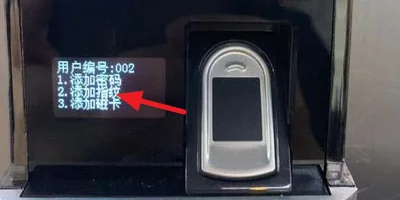
6. Then, you will see three options to add password, fingerprint, and magnetic card. Select the number “1” to add a password.
7. Finally, enter the password and prompt “Setup Successful”.