I just noticed that Bing Chat AI has an awesome new feature.
Now, there is an Excel plugin to export data.
I’ll show you how to use it easily:
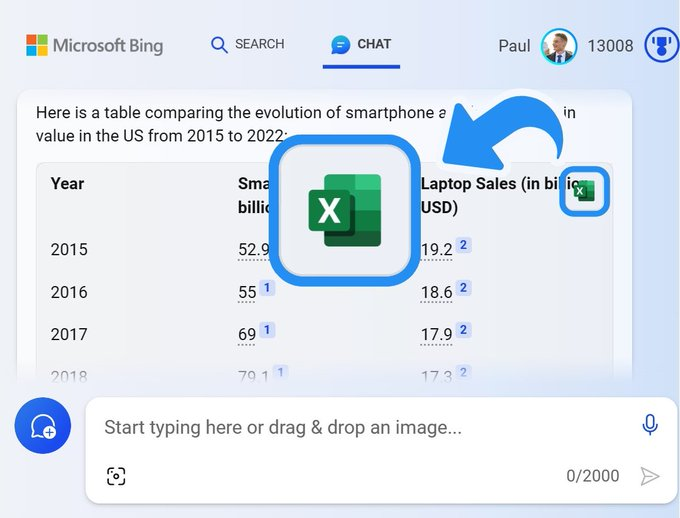
1. Generate tables
Go to Bing Chat (Bing .com/Chat) and request the data you are interested in.
All you need to do is generate a table so that you can export it to Excel.
You can use my prompt template:
“Create a table [topic] in [location] from [1 year] to [2 years].”
Examples used in the video:
“Create a table comparing the evolution of smartphone and laptop sales in the United States from 2015 to 2022.”
Note: You can easily check the data source by clicking on the link provided by Bing.